
Free Online Word Editor
Upload a DOCX file, edit it in your browser, then save it back as Word, export as PDF or send it to print. No account or installation needed.
Select a DOCX file to begin
Drag and drop your document here, or browse your device.
Your document is processed in your browser.
Local Document Processing
Document processing stays in your browser. A working copy is saved locally.
No Installation
Works directly in your browser. Nothing to download.
Common Formatting
Edit text and common formatting. Complex layouts may differ; check your export.
Flexible Export
Download your finished file as DOCX or PDF.
Start with a Professional Template
Choose a ready-made document and start editing immediately. Every template is free to use.
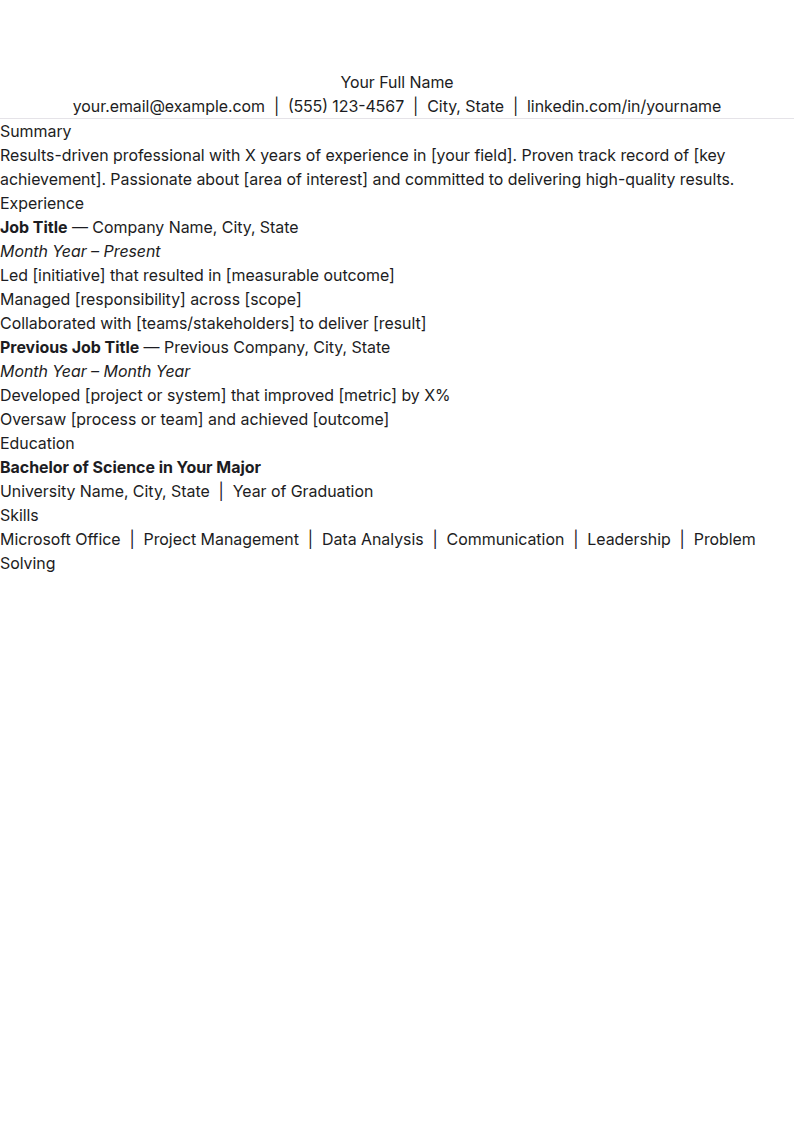
Simple Resume
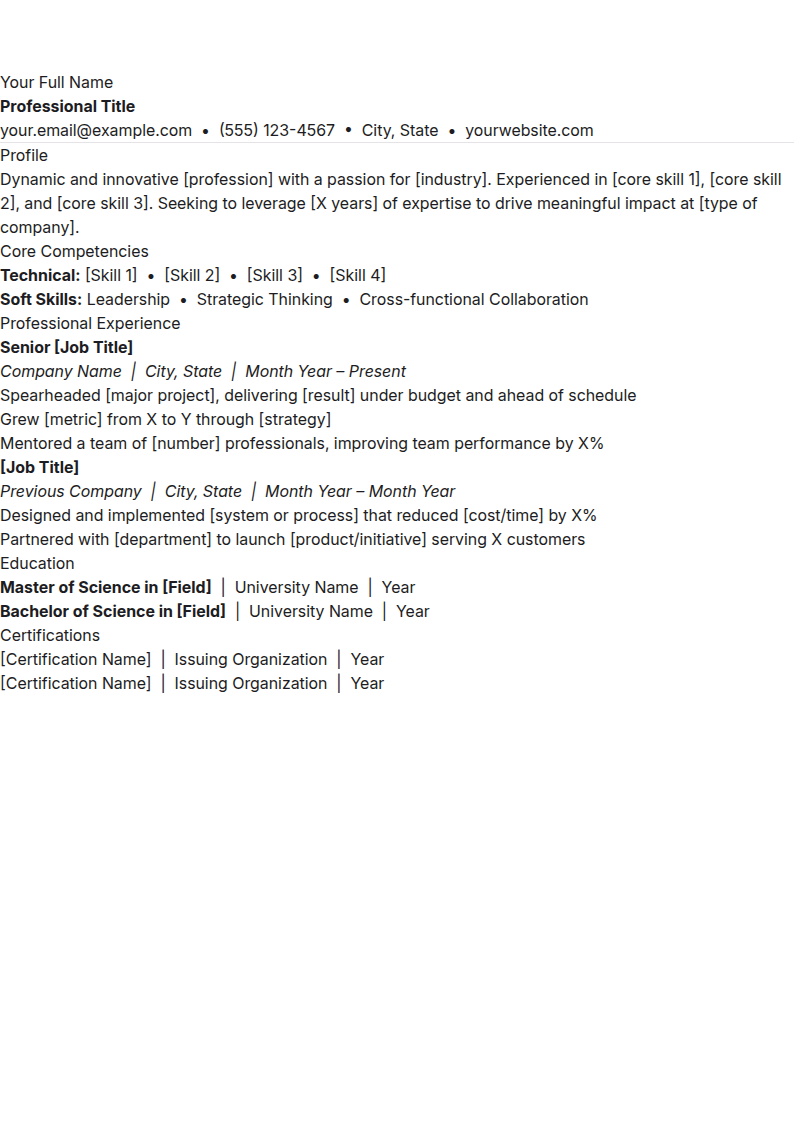
Modern Resume
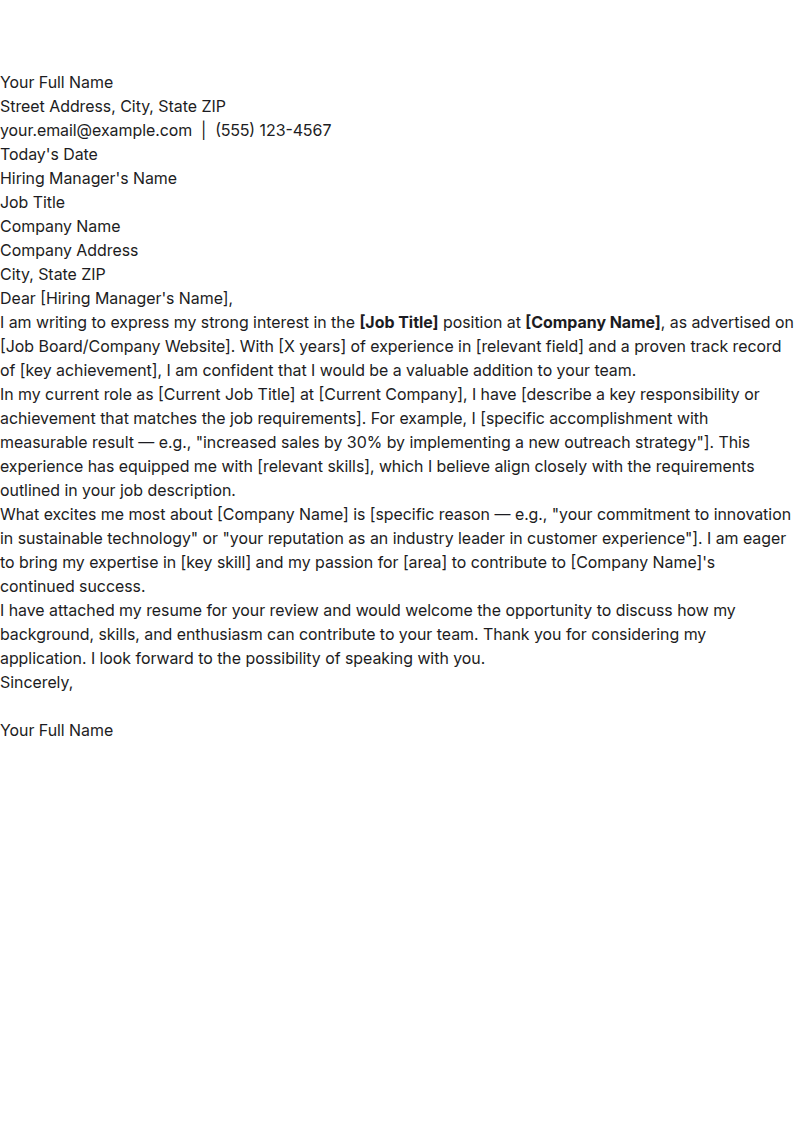
Cover Letter
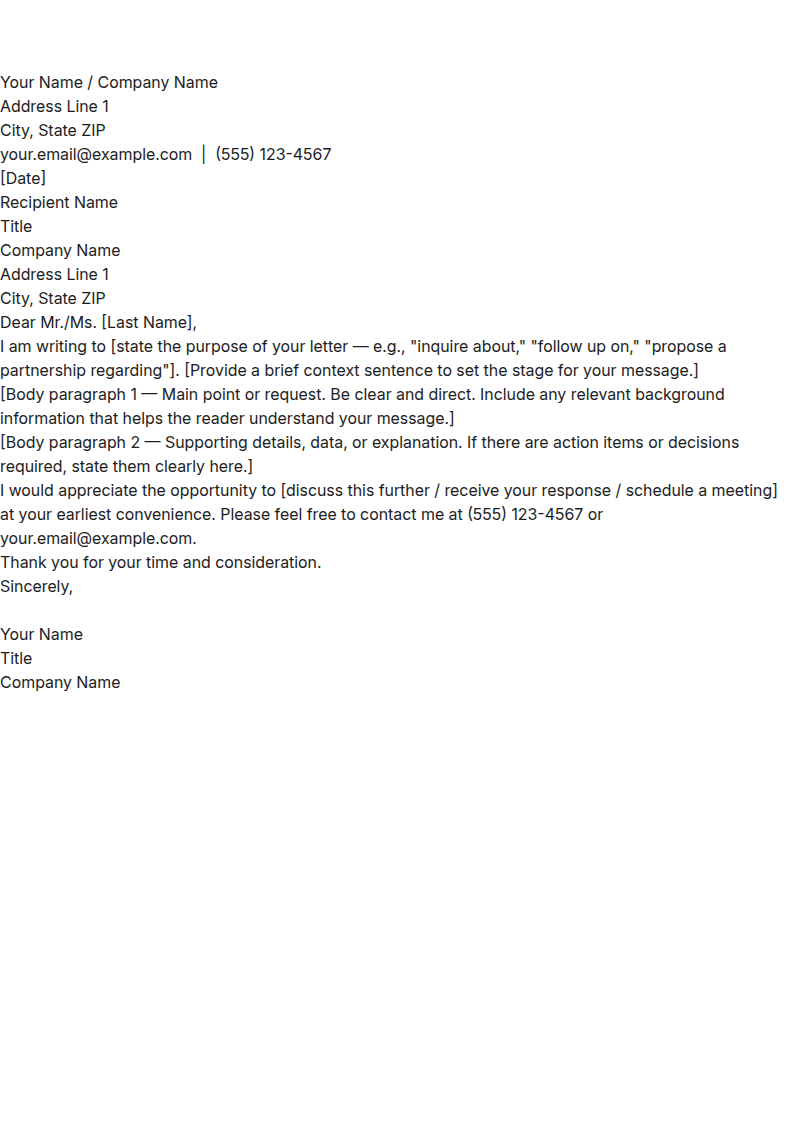
Business Letter
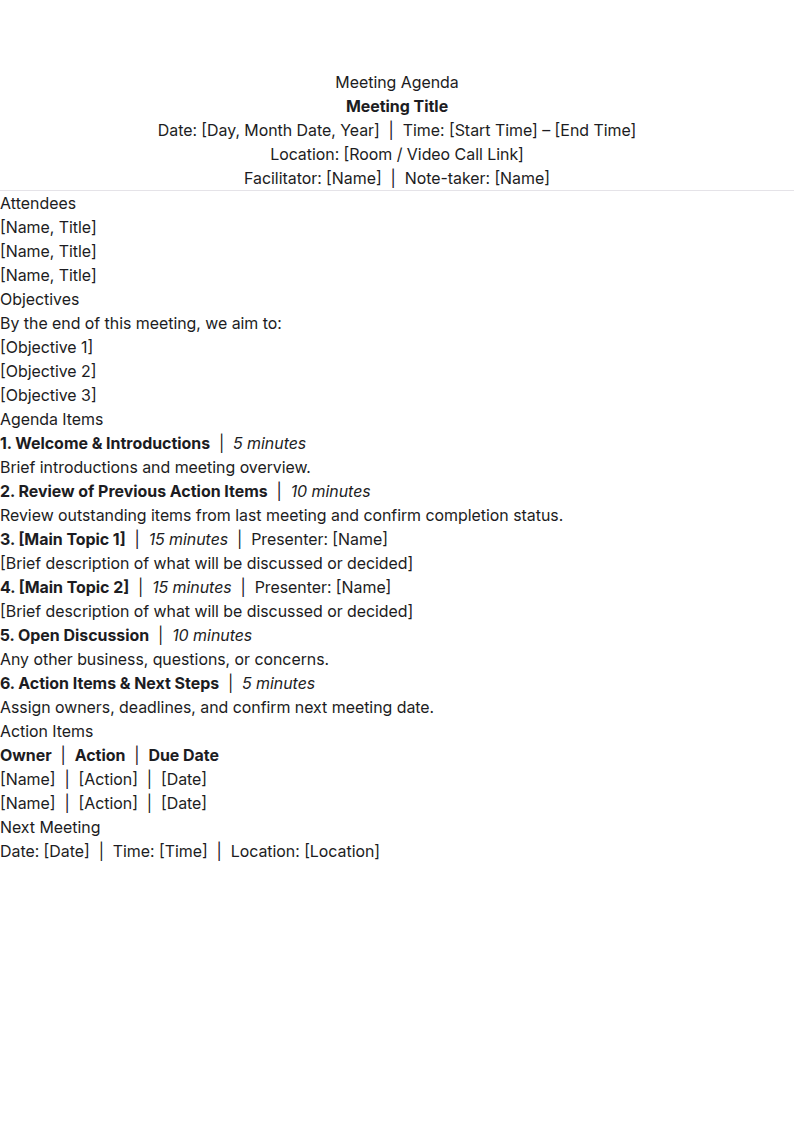
Meeting Agenda
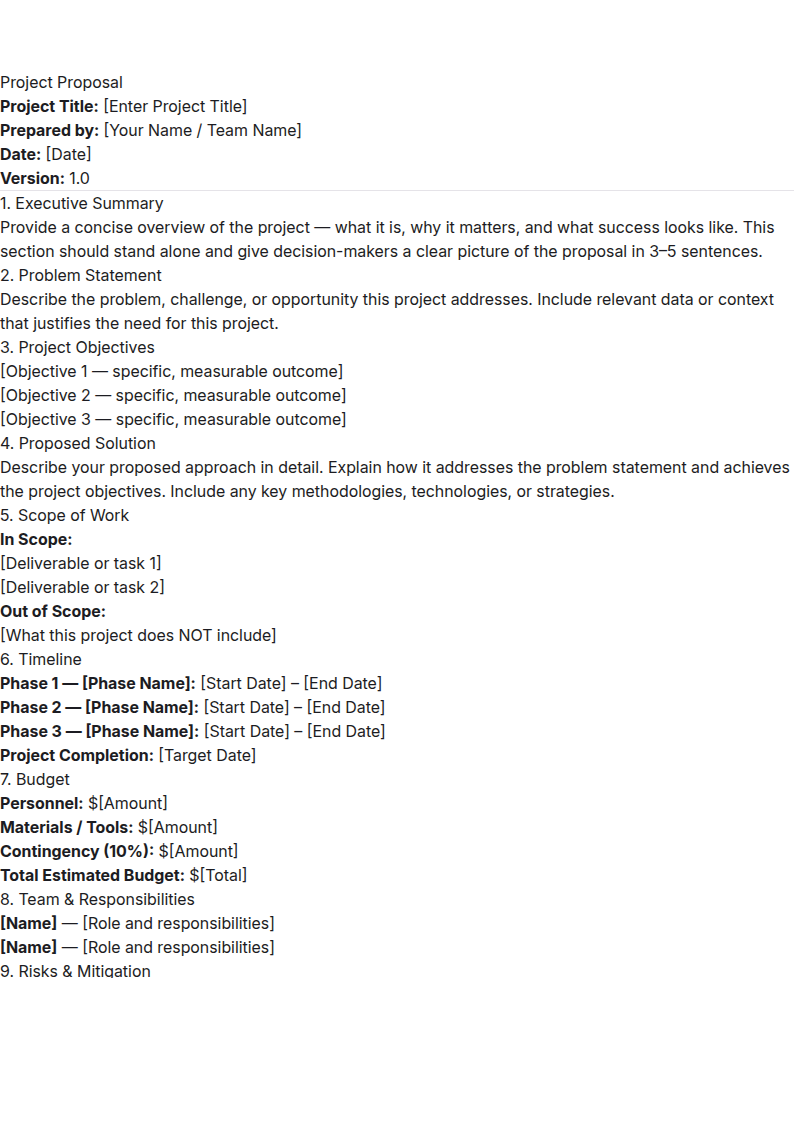
Project Proposal
How It Works
Edit your document in three simple steps without ever leaving your browser.
Upload
Choose an existing DOCX file, start blank or select a template.
Edit
Update your text, formatting and document content in your browser.
Export
Download the finished document as DOCX or PDF.
Before you send your document
This editor is best for quick DOCX text and formatting changes. For an important document, check the file you download — not just the editor preview.
1. Wait for the local save
Look for “Saved on this device” beside the title. If saving fails, export a DOCX immediately. Browser storage is not a backup.
2. Open the download
Choose Export → Word Document for an editable copy or PDF Document for a visual copy. Check your edits, page breaks, tables and images in the downloaded file.
3. Check PDF requirements
PDF export captures the pages shown in this editor as images. If you need selectable text, accessibility or an official PDF standard, use another PDF tool.
On a shared device, download your copy and use New to remove the locally saved document. Read the detailed editing walkthrough.
Documents You Can Create
Start blank or use a ready-made template for common personal and business documents.
Your Documents Stay Private
Your files are processed locally in your browser; we do not upload or analyse their contents on our servers. The current document is saved in this browser for recovery. On a shared device, download your copy and remove the locally saved document when finished.
Frequently Asked Questions
Everything you need to know about using the editor.
Ready to Edit Your Document?
Upload a DOCX file and start editing. No sign-up required, and it's completely free.